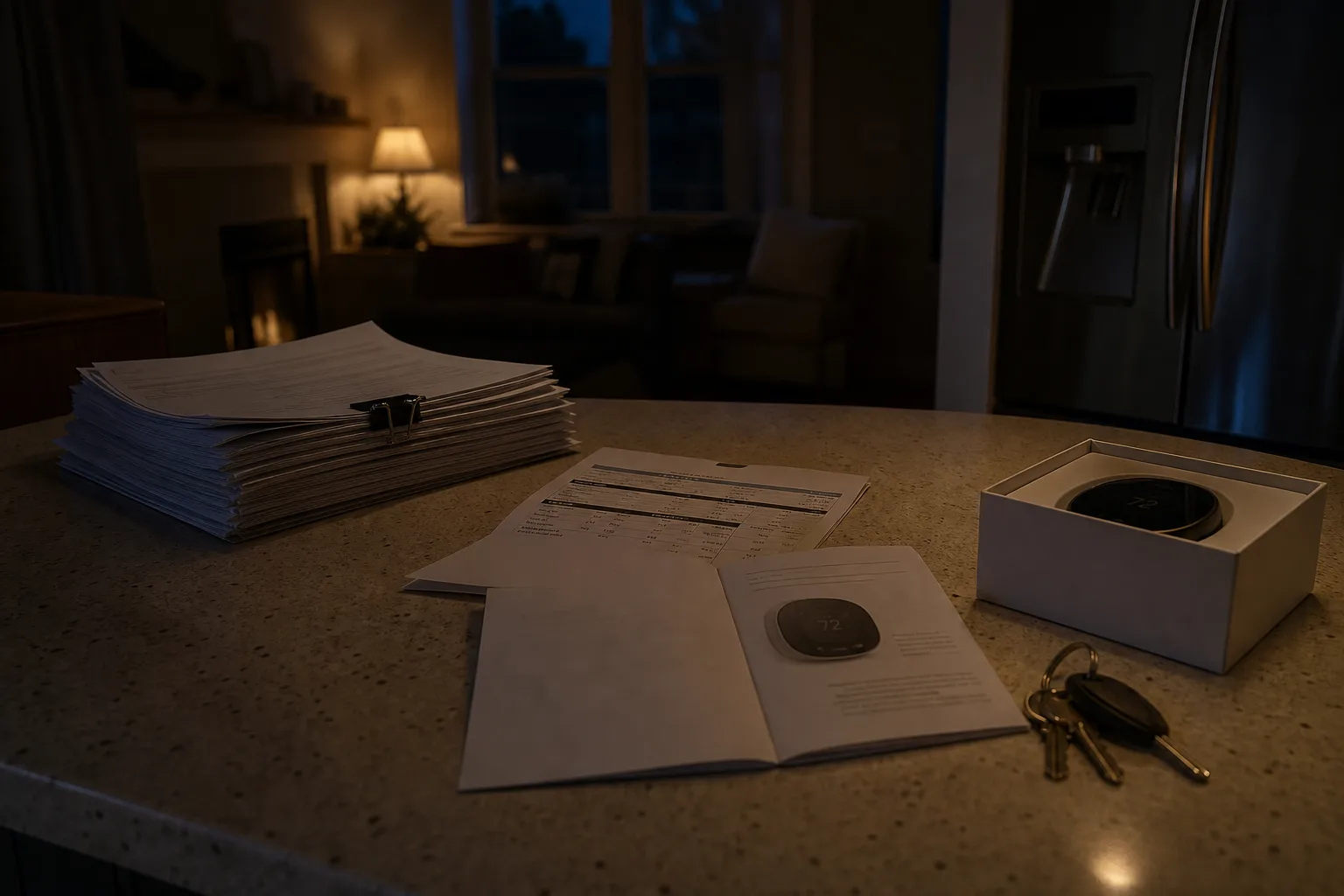
Most of the accounts that run a house were opened by somebody who no longer lives there. The alarm panel was registered by the installer, the thermostat by a builder's subcontractor, the solar monitoring portal by a sales rep who used a company email address because it was faster that afternoon. You get handed passwords at closing, sometimes on a sticky note, sometimes in a text message, and the passwords work. That is the trap. A password that works today tells you nothing about who controls the account, and control is the thing that fails eleven months in, on a Saturday, when the panel starts chirping.
One. Check who owns the account, not whether the password opens it
Every connected system in a house sits inside an account with an owner of record, and the owner is whoever the email address on file belongs to. For alarm systems, irrigation controllers, solar inverters and garage door openers, that address is frequently the installer's, because trade accounts let a company monitor equipment across dozens of addresses. You can log in with the credentials you were given and still be, in the platform's view, a guest on somebody else's account. The difference shows up the day you want to remove a user, change the monitoring plan, or file a warranty claim.
Fixing it is a transfer of ownership, and it is paperwork rather than a password change. Expect the manufacturer or monitoring company to ask for a bill of sale or the deed, a photo ID, and sometimes the equipment's serial number off a label inside the panel door. Simple transfers close in a few business days. The slow ones are slow because the current owner of record has to consent, which means an installer who has moved on has to answer an email about a job they finished two years ago. Start those in month one, not month eleven.
Two. Check the recovery address, because that is the real password
The password on any account is only as strong as the mailbox that can reset it. On accounts inherited with a house, the recovery email and recovery phone number are routinely still the previous owner's, the builder's front office, or a number that was disconnected when a company changed carriers. Nobody notices, because recovery is invisible until it is needed. Then a password stops working, the reset link goes somewhere you cannot reach, and support tells you they can only send it to the address on file.
So the first hour of work on any inherited account is spent in settings rather than at the login screen: open security or account details, read the recovery email and phone in full, and change both to yours before you touch anything else. Do the same for the multifactor method, because an authenticator app on a stranger's phone is a worse problem than a weak password. If the platform offers printable backup codes, generate them now and put the sheet somewhere physical. This is fifteen minutes per account and it removes the failure that support cannot fix.
Three. Check length first, and stop the ninety day rotation
The rules many of us were trained on, one uppercase letter, one symbol, one digit, changed every quarter, came out of federal digital identity guidance that the National Institute of Standards and Technology is responsible for maintaining. That guidance moved years ago. Length now carries the weight that composition rules used to carry, forced expiration is discouraged unless there is evidence a credential was exposed, and screening new passwords against lists of known breached strings does more real work than any symbol requirement ever did. Password hints and knowledge questions about your first car fell out of favor for the same reason.
What that means in a house full of inherited accounts is practical. A long passphrase of unrelated words beats a short scramble you will have to write on the refrigerator, and a unique one per account matters far more than the character mix inside any single one. Do not rotate on a calendar. Rotate on an event: an account appears in a breach notice, a credential was shared with a contractor, a household member moves out. Rotation without a trigger just pushes people toward small predictable changes at the end of the string, which is how the old rule failed in the first place.
Four. Check that a second person can get in, and how long that takes them
The party most people leave out of the arrangement is the one who will need access when the account holder cannot provide it. A spouse who has never opened the alarm app, an adult child three states away, a business partner, the executor named in a will. A durable power of attorney and a death certificate do not open a thermostat portal or a password vault, because the platform's terms and its automated systems do not read court documents at the login screen. What does work is the access you arrange in advance, deliberately, while everything is calm.
Most reputable password managers include an emergency access feature: you nominate a trusted person, they request access, and if you do not decline within a waiting period you set, typically measured in days rather than hours, the vault opens to them. Apple and Google both offer their own versions for their ecosystems, under names like legacy contact and inactive account manager. Setting one up takes a few minutes and one conversation. The conversation is the harder half, because the other person has to know they were named, know what tool to open, and know roughly what they will find inside.
Five. Check that a paper record exists, and that it lives with the deed
A vault solves the credential problem and leaves the map problem untouched. Somebody standing in your kitchen in an emergency needs to know that the house has an alarm account with a monitoring company, a solar portal under a different brand than the panels, a water shutoff valve with a smart controller, and a utility account still billing under a trust. None of that belongs on a sticky note, and none of it needs to include a single password. It is an inventory: the service, the company, the account number, who the owner of record is, and where the login is stored.
Keep that page with the closing documents, the homeowners insurance declarations page and the appliance manuals, because that is the drawer people actually open when something has gone wrong. Update it when a system is replaced, which in the first year is more often than you expect. Add the master password for the vault, sealed, in a place a second person knows about: a fireproof box at home or a bank safe deposit box, with the caveat that box access after a death has its own timeline and its own paperwork. One afternoon builds the whole thing.
What this looks like once it is done
The realistic schedule is not one sitting. Ownership transfers run on other companies' response times, and a solar monitoring transfer can sit for two weeks while a regional office confirms the installation. Recovery addresses and multifactor you can finish in an evening. The trusted contact takes a phone call. What you end up with by the end of the first year is a house where every connected system has an owner of record who lives at the address, a reset path that reaches your own mailbox, and a written page that tells somebody else what exists.
The previous owner's name will still turn up occasionally, in a warranty registration or a marketing email from an equipment maker, and that is fine. The accounts that matter answer to you. The chirping panel at eleven at night becomes a support call you can actually complete, because when they ask for the account holder's name and the last four digits, you have both.