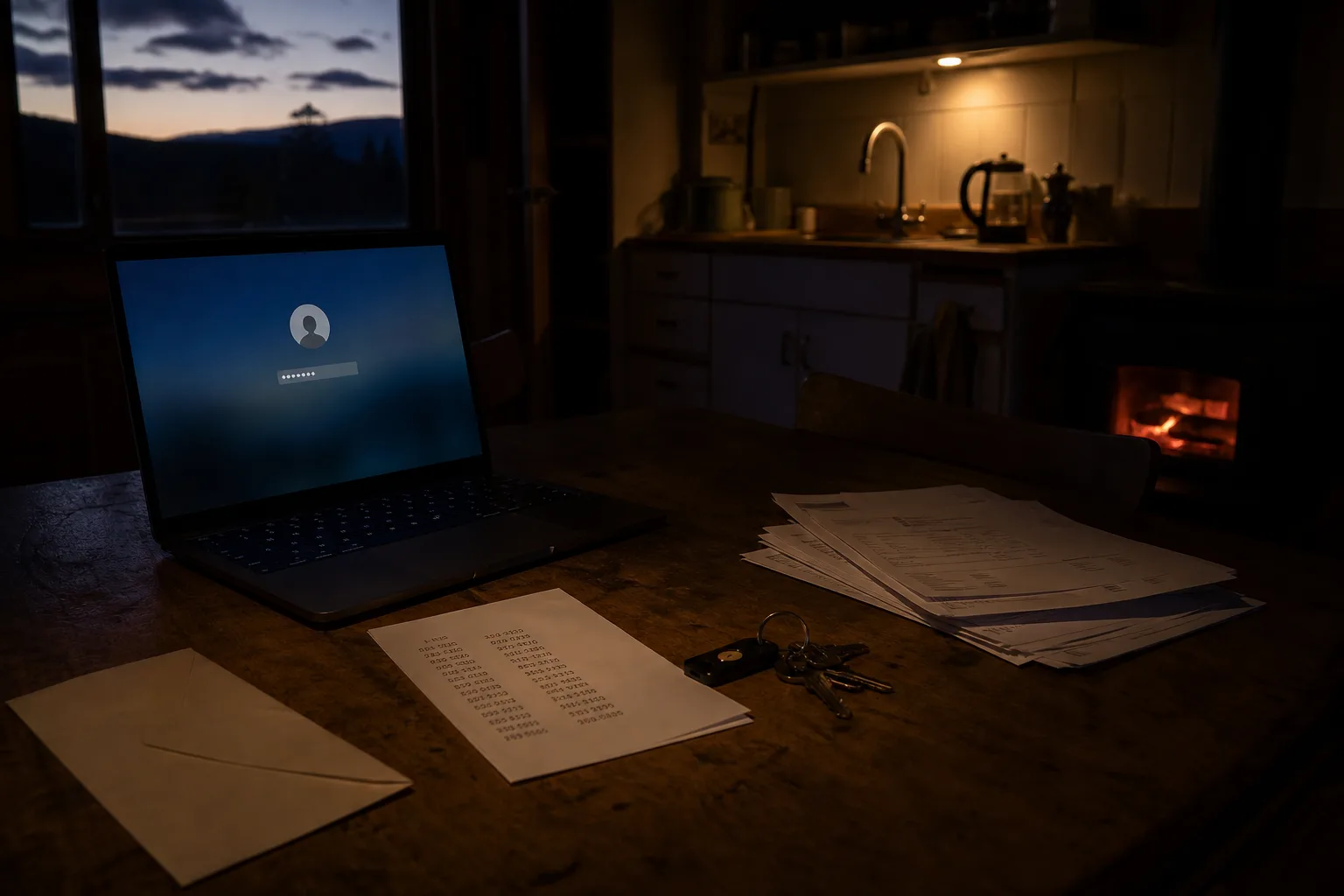
An owner who lives four states from the property discovers the gap in the worst order: the furnace quits, the heating contractor needs the gas account number to confirm service, and the only person who can log in to the utility portal is sitting in an airport with a phone that is not receiving texts. Nothing here is a security failure in the usual sense. It is a records failure, and it is fixable in about two evenings of work plus a month of slow cleanup. Fall is when most owners finally do it, because the heating season forces the question.
The inventory is the slow part, and it takes longer than the software
Before any tool goes in, write down what accounts the property actually has. For a single house managed remotely that list runs longer than people expect: electric, gas, water and sewer, trash if it is billed separately, internet, the alarm monitoring portal, a smart thermostat, a video doorbell, the homeowners insurance portal, the mortgage servicer, the property tax account on the county site, an HOA or condo portal, and whatever bank account the autopays draw from. Expect ninety minutes to two hours to assemble that honestly, mostly spent reading a year of bank statements to find the services you forgot you were paying for.
The inventory matters more than the choice of password manager, because it is the thing that tells you who is locked out of what when you are unreachable. Write the account holder's name next to each entry, since some utilities will only speak to the name on the account regardless of who holds the password. Note which accounts are tied to an email address you no longer check and which are tied to a phone number you might change. Those two columns are where almost every remote-access emergency originates, and finding them in October costs an hour rather than a service call in January.
Migration takes one evening, and then four to six weeks of stragglers
Importing from a browser into a dedicated password manager is a twenty-minute job on paper, and most people finish the mechanical part in a single sitting. The real schedule is different. For the next four to six weeks you will keep meeting accounts the import missed: the one you only use at tax time, the municipal portal you touch twice a year, the contractor payment platform. Resist the urge to fix all of them at once. Change each password as you naturally encounter the account, let the manager capture it, and the list closes itself by roughly Thanksgiving if you start in early October.
Turn on two-factor authentication as you go, but choose the second factor with the travel in mind. Text message codes fail exactly when you are abroad, on a plane, or holding a phone with a dead eSIM, which for an absent owner is a meaningful share of the year. An authenticator app stored inside the password manager itself, or on a hardware key you carry with the house keys, survives those situations. The National Institute of Standards and Technology is responsible for the federal digital identity guidance that most of this practice descends from, and the direction of travel has been toward longer secrets and stronger second factors rather than frequent forced changes.
Sharing access with the people who are actually standing there
The thing a remote owner needs that a local one does not is a way to hand one credential to one person for one season without handing over everything. Every serious password manager does this through shared folders or shared items, and the setup is worth an hour. Build one folder for the property manager or tenant containing the alarm code and the internet account, a second for a trusted neighbor containing the garage keypad and the thermostat, and nothing else in either. Access can be withdrawn the day a contract ends, which is cleaner than changing six passwords after a bad parting.
What a contractor genuinely needs is usually narrower than what they ask for. A heating company calling the gas utility needs the account number and your authorization on file with that utility, which you can add by phone in ten minutes and which does not involve your password at all. Most utilities maintain an authorized contact or third party designation; setting one up for each property account removes the single most common reason an owner gets dragged into a weekday call. Do it once in the fall and it stands through the season.
The paperwork that works when you are unreachable
Printed recovery codes are the piece first-timers skip and later wish they had not. Each account that offers backup codes issues a short set, and they belong on paper in two places: a sealed envelope with whoever would act for you locally, and a second copy where you live. Add the master password hint and the recovery key for the manager itself. Password managers also offer emergency access, where a named person requests entry and receives it after a delay you choose, commonly anywhere from a day to a month. Pick the delay deliberately, because it is the gap between a locked-out owner and a broken pipe.
Date the envelope. Reopen it once a year at the same time you change the furnace filter schedule and review the insurance declarations, and replace any codes you have since consumed. That annual pass takes twenty minutes and keeps the document from quietly going stale, which is the ordinary failure mode of good paperwork.
Started in October, the whole thing lands well before the first hard freeze, and the next time a contractor needs an account number at eight in the morning, the answer is a shared folder and a two-minute reply rather than a day lost to recovery forms.