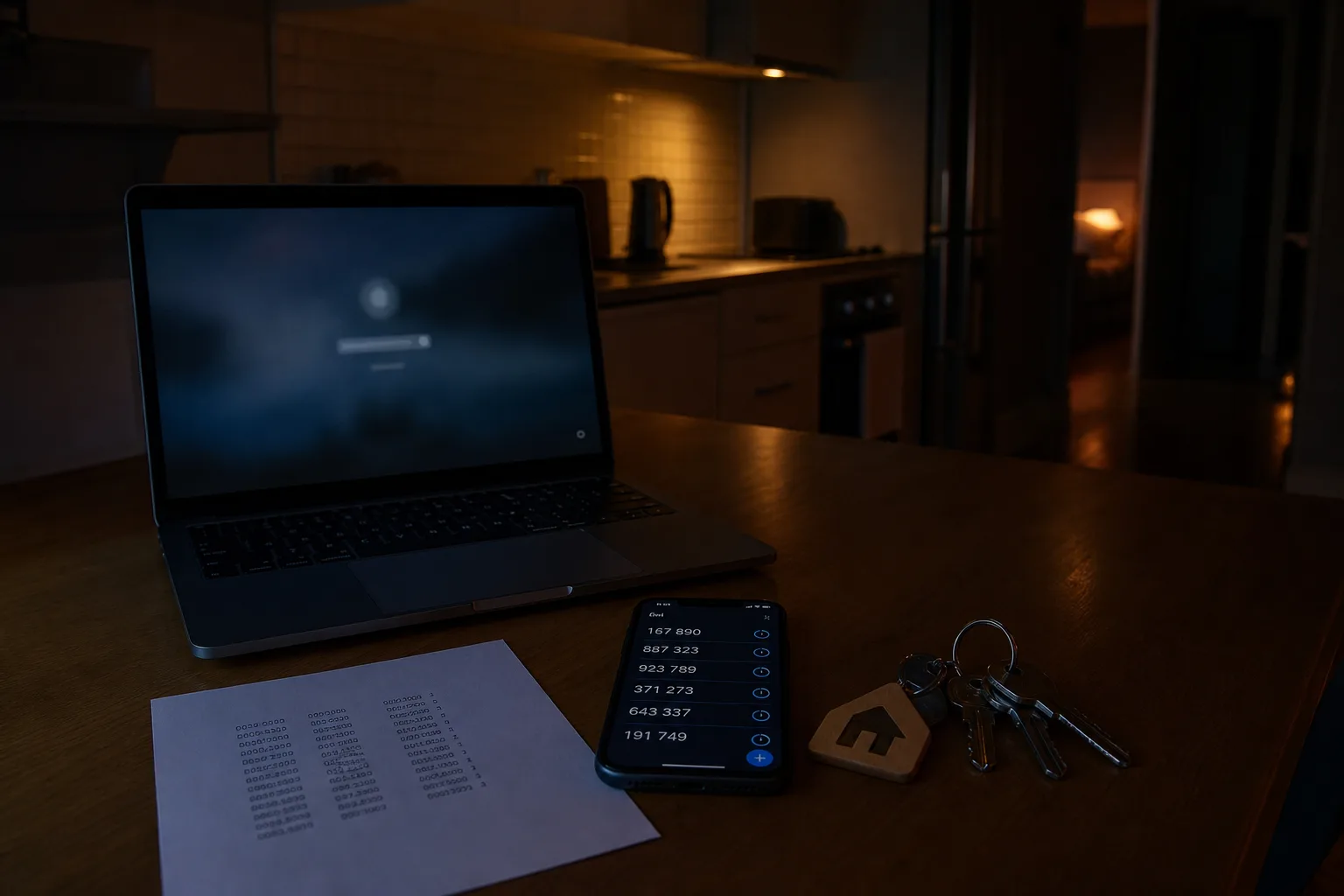
The furnace contractor needs the gate code on a Tuesday afternoon, you are four hundred miles away, and the utility portal that holds the account number wants a password you last typed in 2019. That is the shape of the problem for anyone running a property from another city, and it gets sharper between November and February, when a phone gets replaced, a trip scrambles your usual devices, and the accounts you touch twice a year suddenly all need attention at once. Nothing about that is hard. It is just badly ordered by default, and the ordering is the whole job.
Why the login screen still asks you for a symbol
The rules most people were trained on, a capital letter, a digit, a punctuation mark, a fresh password every quarter, came out of federal guidance written when the realistic threat was a machine guessing at one login screen at a time. Complexity made guessing slower. Then attackers stopped guessing and started buying lists of passwords stolen from somewhere else, and complexity stopped being the thing that mattered. The National Institute of Standards and Technology is responsible for the federal digital identity guidelines, and its later revisions moved the emphasis toward length, toward screening new passwords against known-breached lists, and away from forced expiration. Banks and municipal utilities lag because a login screen is a multi-year rewrite, not a setting.
What the season actually changes
Two things arrive in December that break remote access. The first is a new phone, which is where your second factor lives, and moving an authenticator app is a deliberate export, not something a backup restores cleanly. The second is travel, which puts you somewhere unfamiliar with a device the bank has not seen, at exactly the moment a fraud system is most suspicious. Then January brings the year-end documents into portals you have not opened since spring, tax forms, insurance renewals, the escrow statement. Doing the setup in the quiet stretch before all of that costs you one evening and saves you a week of phone calls.
The order to work through when you are the one out of town
Email first, always, because every other account on the list resets through it, and a reset link in a mailbox somebody else controls is the entire attack. Give it a long unique password and a second factor, then move to the phone carrier account and put a port-out PIN on it, because a stolen number defeats text-message codes. Only then set up a manager and start filling it. Do not sit down and enter forty passwords. Capture each one as you use it over the next six to eight weeks, and the vault fills itself while you go about the year.
The property-specific accounts come after the financial ones, and they deserve their own pass: the utility portals, the alarm and camera system, the smart lock, the property management software, the HOA site. These are the accounts a first-timer forgets, and they are the ones you need at short notice from far away. Every one of them should have a unique password and, where the option exists, a second factor that does not depend on a phone you might replace. Note the account numbers in the vault too, since a support line will ask for those before it will discuss anything.
Recovery is the part first-timers skip
When an account offers recovery codes at setup, it shows them once. Print them, put them somewhere physical you can actually reach, and understand that a fireproof box inside the rental you are locked out of is not that place. Register the second factor on two devices where the service allows it, a phone and a tablet or a hardware key, so that losing one is an inconvenience rather than an outage. Where recovery runs through identity verification instead, expect days, not minutes: a support queue, a document upload, a review that happens on someone else's schedule. That delay is the process working, and it is why you do this in advance.
Where the advice is heading next
Passkeys are the current direction, and they change the shape of the problem rather than adding another rule. Instead of a secret you type, the account holds a key that lives on your device and unlocks with a fingerprint or a face, which means there is nothing to reuse, nothing to phish, and nothing to remember. Support is uneven, so you will be running both systems for a while. Turn a passkey on where a service offers it, keep the password as the fallback, and check that the fallback is a strong one, because an account is only as protected as its weakest way in.
The measure of whether this worked is not how the vault looks in January. It is a Tuesday in February, a contractor at the gate, and you finding the code from an airport in under two minutes without calling anyone.